Request a demo

Your cameras already see the risk. AIMRIS writes it down.

Safety checks on the IP cameras your construction site already has. Every flag lands in the journal with a photo and a clip, and the video stays on site.

Site HubOverview Demo site Click a camera or an event to switch the view 0awaiting reviewto review
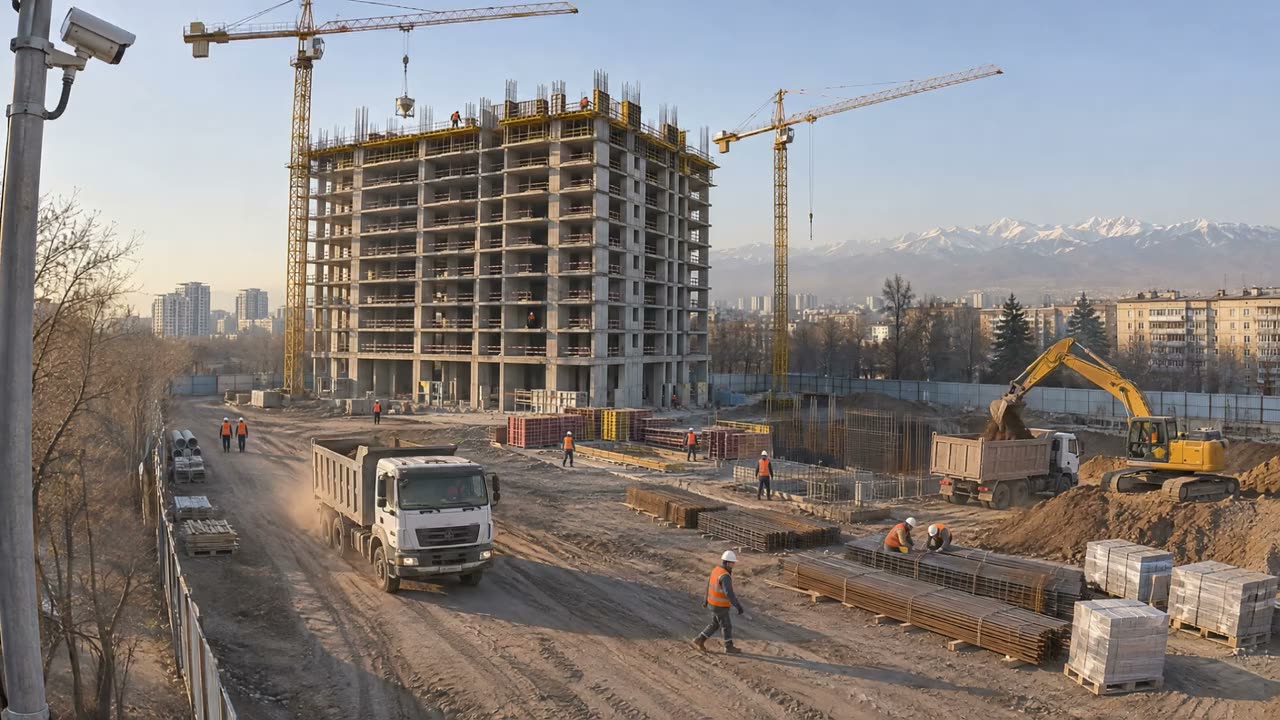
CAM 07 Yard B Machinery proximity
10:21:05
AI-generated scene · overlays illustrate AIMRIS output Tap a camera or an event to switch the view

Every scene is AI-generated and the boxes illustrate how AIMRIS marks events. Counts in the console are demo values.

Seven checks in the current release

Each check is switched on per camera in the console. A flag becomes a journal row with a photo of the subject and a short clip, and waits in Review for a person.

CAM 12Level 9 slab11:04:40
--:--:--Watching the red zone

PPE

Hard hats and hi-vis vests, checked where the zone requires them.

Draw red zones where PPE is required and green zones where it is not; red wins where they overlap. A worker without a hard hat or vest in a red zone becomes a journal entry with the photo.

Red zone
Hard hat and vest required
Green zone
Exempt
Overlap
Red wins
CAM 11Foundation pit09:15:52
--:--:--Watching the zone

Restricted zones

Draw a polygon on the frame. Every entry is logged.

Pits, edges, storage, live lanes. Every crossing lands in the journal with a clip.

Zone watches people (people, vehicles or both)

CAM 07Yard B10:21:05
--:--:--Measuring distance to machinery

Machinery proximity

A person closer than 2, 2.5 or 3 m to moving machinery.

AIMRIS measures the gap between a person and a moving loader, excavator or truck and flags the moment it closes.

Safety distance 3 m (2, 2.5 or 3 m per camera)

CAM 05Crane 2 lift area12:47:31
--:--:--Watching the load zone

Under a crane load

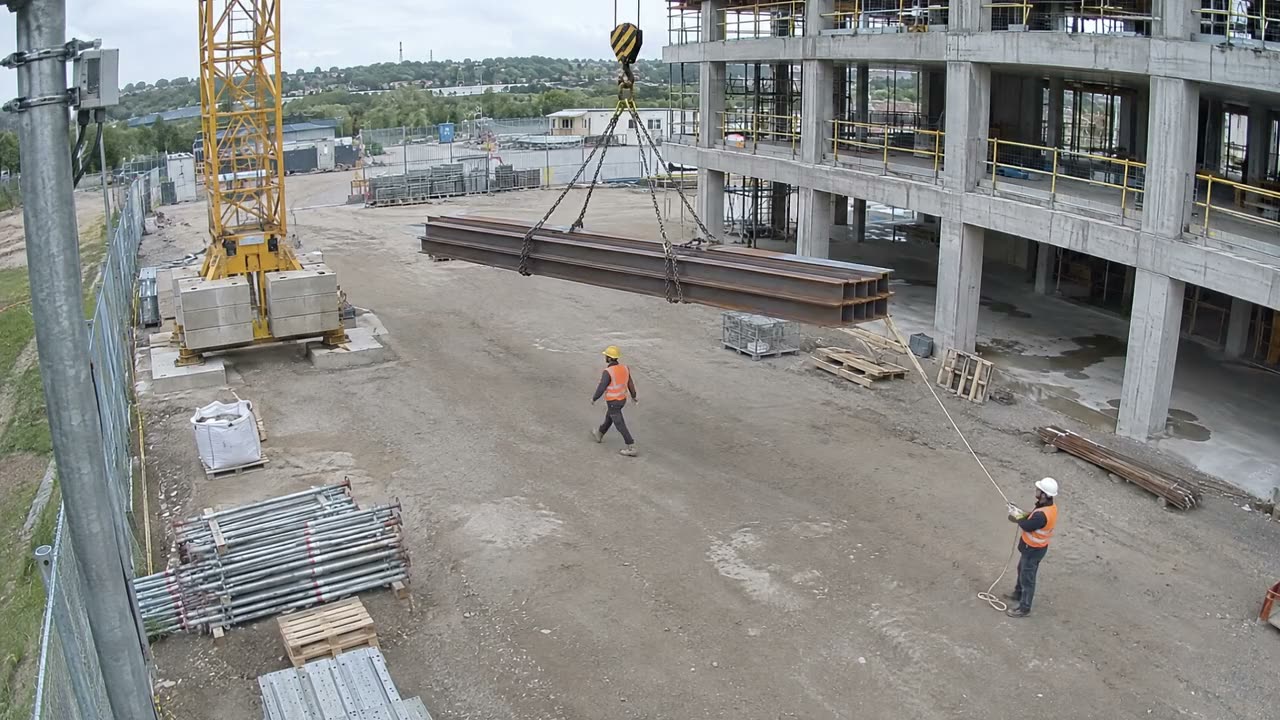
Someone walking under a suspended load.

The area under the boom and the load is a moving danger zone. A person inside it is flagged while the lift is still in progress.

Zone under the boom and the load (moves with the lift)

CAM 04Scaffold east14:32:10
--:--:--Following person tracks

Falls and inactivity

A person down, or not moving for 5 minutes.

Fall candidates get a second check by a vision-language model before they are marked verified.

Inactivity 5 min (thresholds are adjustable)

The same cameras show how the site runs.

CAM 02Main gate07:42:09
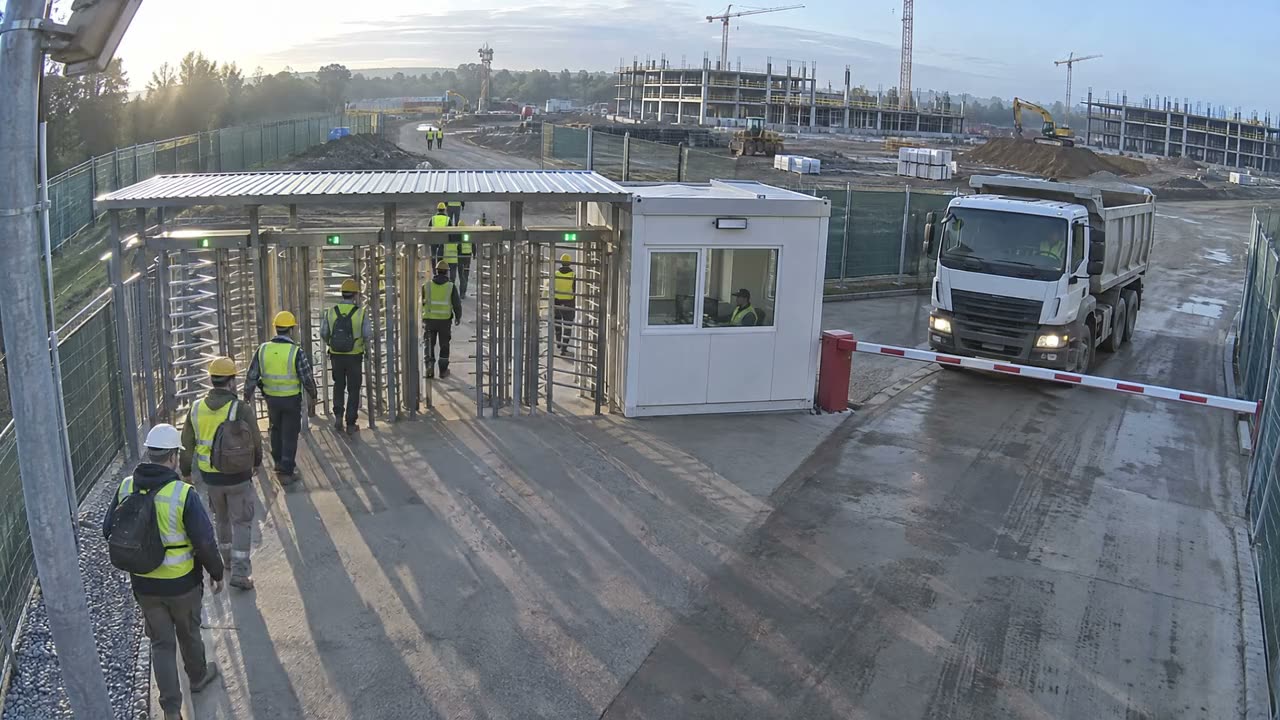
--:--:--Counting at the entry line

Gate and headcount

Who came in, who left, who is on site now.

A camera in the gate role records people and vehicles crossing the entry line, with a photo of each. Entries minus exits give the headcount without a paper log.

On site now 146 people · 9 vehicles Since you opened this page: 0 in · 0 out
  1. Entries appear here with a photo of each.
CAM 09Earthworks16:55:20
--:--:--Timing machines at rest

Idle machinery

Excavators and trucks standing idle past 45 minutes.

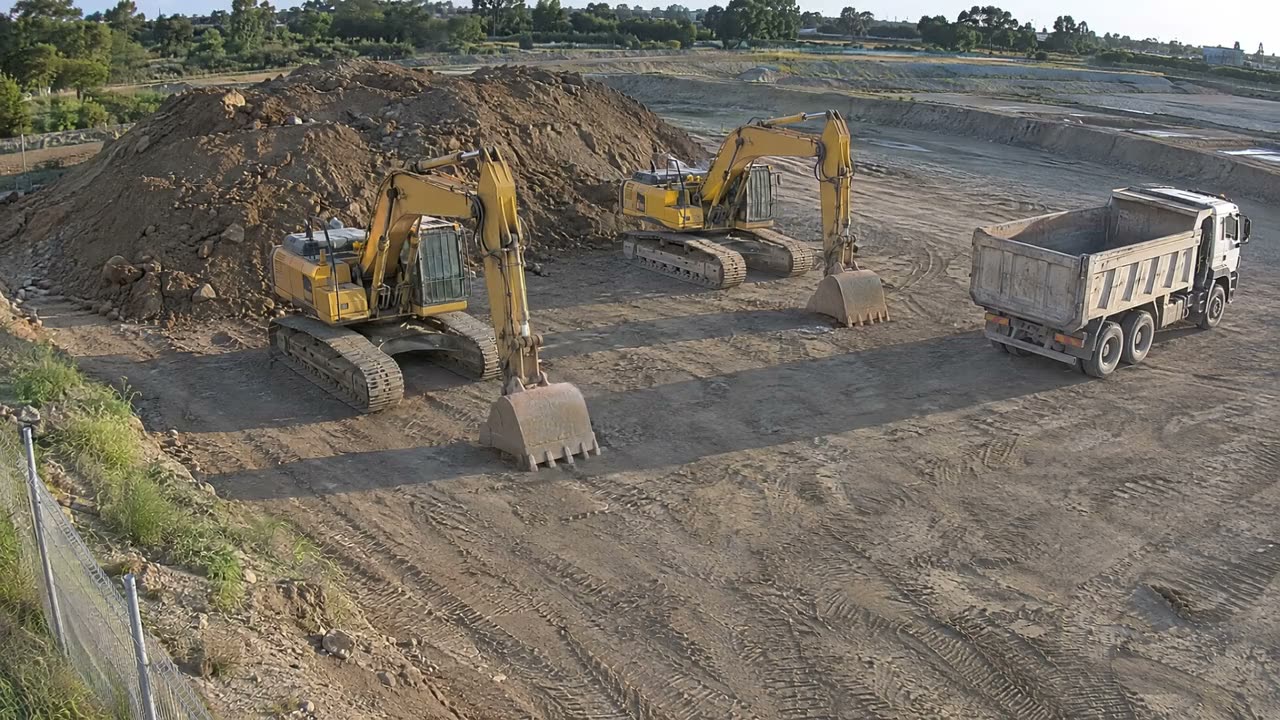
The same cameras that watch safety also show lost machine-hours: every machine idle longer than the threshold is listed with how long it stood.

Idle past threshold45 min
  1. Machines idle past 45 min are listed here.

Also in the console

People and vehicles across cameras. Sightings of the same person or vehicle on different cameras are linked into one journey. Face recognition is a separate feature the customer enables, only on selected cameras.

Site map. Cameras with their field of view, the site boundary and buildings on one plan, with a layer that shows where issues cluster.

It all runs on the site’s own network

Your IP cameras stream to AIMRIS Edge, a device on site. It runs the checks and writes events to Site Hub, the console your team opens in a browser. Video is not sent to the cloud.

  1. The cameras you have

    Existing IP cameras that provide an RTSP stream on the site network. No new cameras; sometimes an angle needs adjusting.

  2. AIMRIS Edge

    An NVIDIA Jetson device on the camera network runs every check on site. Up to 64 cameras per device; large sites use several.

  3. Site HubRUKKEN
    • Site managerall
    • Safety engineerall
    • Securityall
    • Contractorown company
    • Administratorall

    Site Hub

    The console runs in a browser on the local network, in Russian, Kazakh and English. Access is by role, and contractors see only their own company.

From frame to journal row

In a live test of 30 events, the median from the confirming frame to the journal row was 2.25 s, with a 95th percentile of 7 s. We measure it again on your site during the pilot.

Every flag goes to a person

Detections wait in Review until someone confirms or dismisses them, with a comment. Confirmed events, and hazards reported by workers, open a near-miss investigation that runs to a corrective action and is closed.

  1. 1FlaggedWaits in Review with a photo and a clip
  2. 2ReviewedA person confirms or dismisses it and comments
  3. 3Near-miss investigationOpened from a confirmed event or a worker’s hazard report
  4. 4Corrective actionWhat changes on site so it does not repeat
  5. 5ClosedKept in the near-miss register
ReviewDemo case Awaiting review
Photo · subject marked

Person 0.9 m from a moving loader

CAM 07 · Yard B · 10:21:06

Safety distance 3 m

The last flag from the console above.

From camera review to pilot report

A pilot runs on your cameras, on your site, in four steps.

  1. 1

    Cameras and goals

    Review cameras and angles, choose the checks.

  2. 2

    Edge device on site

    Install the Jetson on the camera network, connect RTSP.

  3. 3

    Zones and rules

    Draw red, green and restricted zones; set distances and camera roles.

  4. 4

    Pilot and report

    Events with evidence in the journal, near-miss review, a final report.

Questions site teams ask

Anything else: pilot@aimris.ai

Do we need new cameras?

No, as long as they provide RTSP on the site network.

Where is the video stored?

On the site’s own server; it is not sent to the cloud.

How many cameras?

Up to 64 per edge device; large sites use several.

How fast does an event reach the journal?

Median 2.25 s, P95 7 s in a live test; measured again on your site during the pilot.

Does it recognise faces?

Only if the customer enables it, on selected cameras; other checks work without it.

Fire and smoke?

In development, not in the current release.

Languages?

Russian, Kazakh, English.

Price?

Depends on cameras and checks; quoted after a site review.

In development

Two features we are building. Neither is part of the current release.

CAM 14Storage yard19:06:44

Fire and smoke detection

In development

Not part of the current release. We will announce it once it passes an on-site check.

Ask the footage

In development

A video agent that answers questions about recordings and writes video summaries. The questions shown are examples.

Request a demo

Tell us about your site and cameras. We start with a review of your cameras and goals, and quote after a site review.

  • Works with the IP cameras you already have
  • Video stays on the site’s own server
  • Console in Russian, Kazakh and English

Or write to pilot@aimris.ai

New requestto pilot@aimris.ai

Give an email or a phone number, at least one.

Opens your email app with the request filled in, addressed to pilot@aimris.ai.